Vigil is on-device AI screenshot search for iPhone and iPad. Everything on this page — copy, icon, screenshots — is free to use in coverage of the app. Questions or promo codes: use the contact form.
Fact sheet
- App name
- Vigil: AI Screenshot Search
- Tagline
- Find, organize & clean photos
- Developer
- Miha Peroša — independent developer, Slovenia
- Platform
- iPhone & iPad (iOS)
- Price
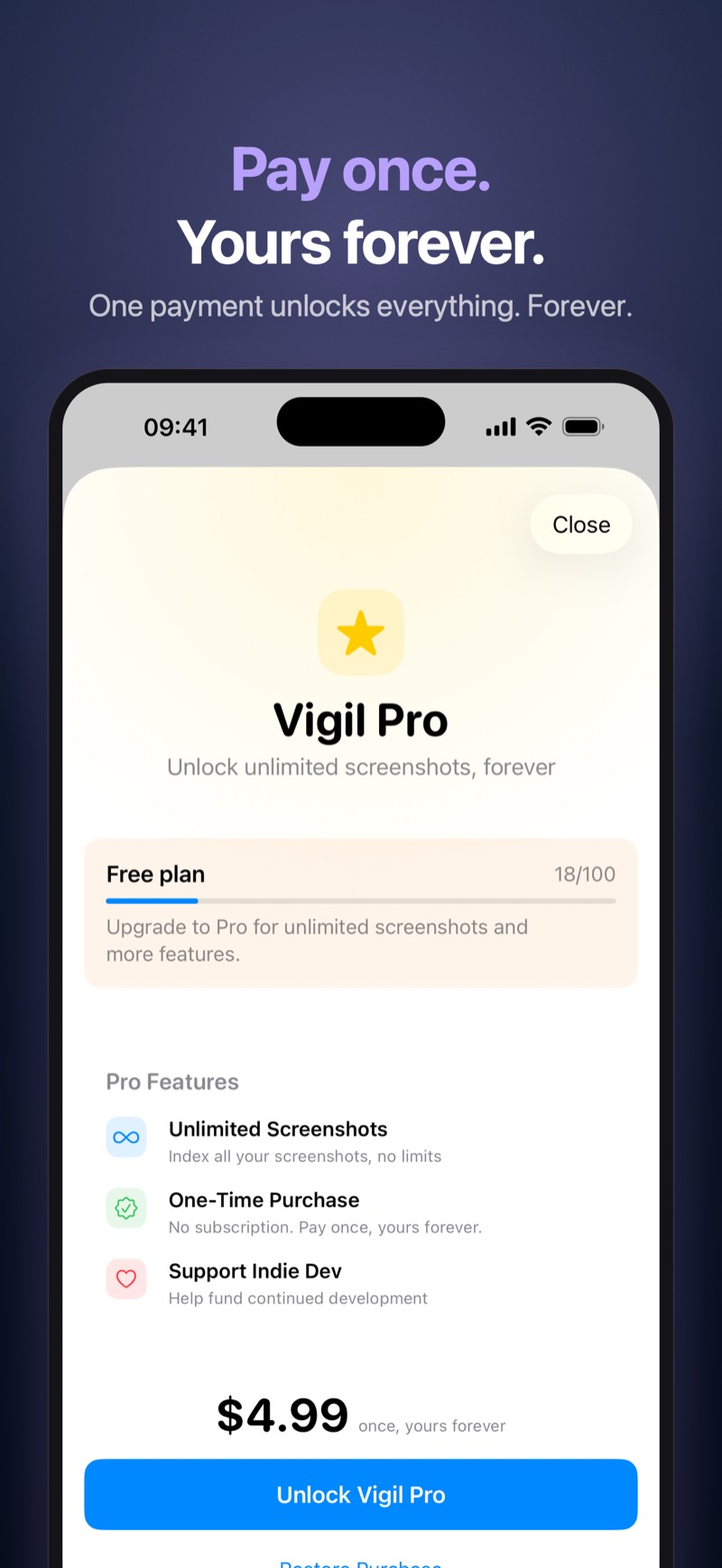
- Free for the first 100 screenshots · Vigil Pro $4.99 / 4,99 € one-time purchase (no subscription)
- Languages
- English, Slovenian
- Release
- 2026
- Bundle ID
- app.vigil.screenshots
- Privacy
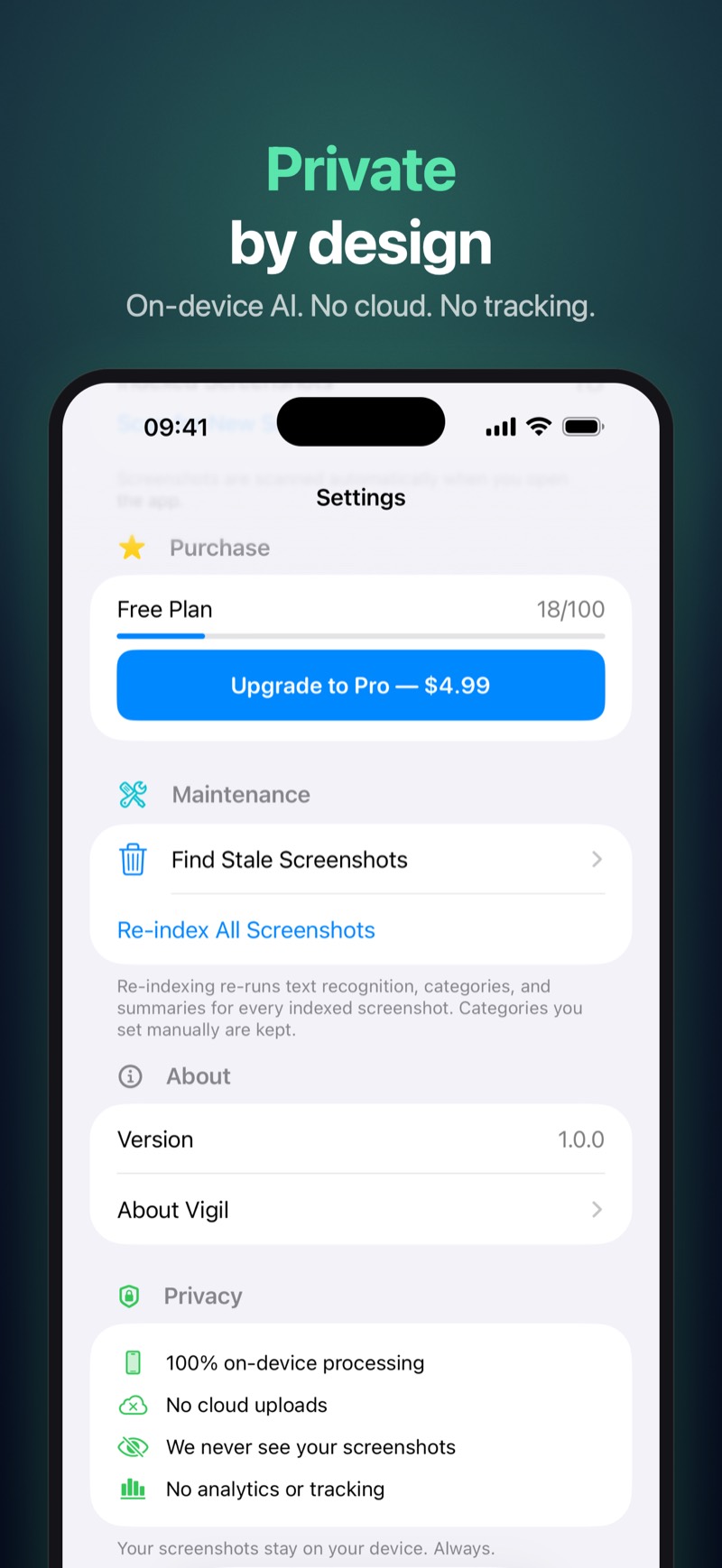
- 100% on-device AI — no accounts, no cloud, no analytics, no tracking
- App Store
- https://apps.apple.com/app/id6805798093
- Website
- mihaperosa.com/vigil
- Contact
- mihaperosa.com/vigil/support
What makes it different
- 100% on-device AI. All of Vigil's AI runs on the device using Apple's built-in machine learning — OCR, natural-language search, summaries, categories. Nothing is uploaded, ever.
- One-time purchase in a world of subscriptions. Free for the first 100 screenshots with no feature gates; Vigil Pro is a single $4.99 / 4,99 € purchase that unlocks unlimited screenshots. No subscription, no recurring charges.
- Private by design. No accounts, no cloud, no analytics, no tracking. The developer could not see your screenshots even if he wanted to — that is the whole point.
Short description (copy-paste)
Your screenshots, understood. On-device AI reads, sorts, and summarizes every screenshot — then finds the right one the moment you type. No cloud. One-time purchase.
Long description (copy-paste, App Store description)
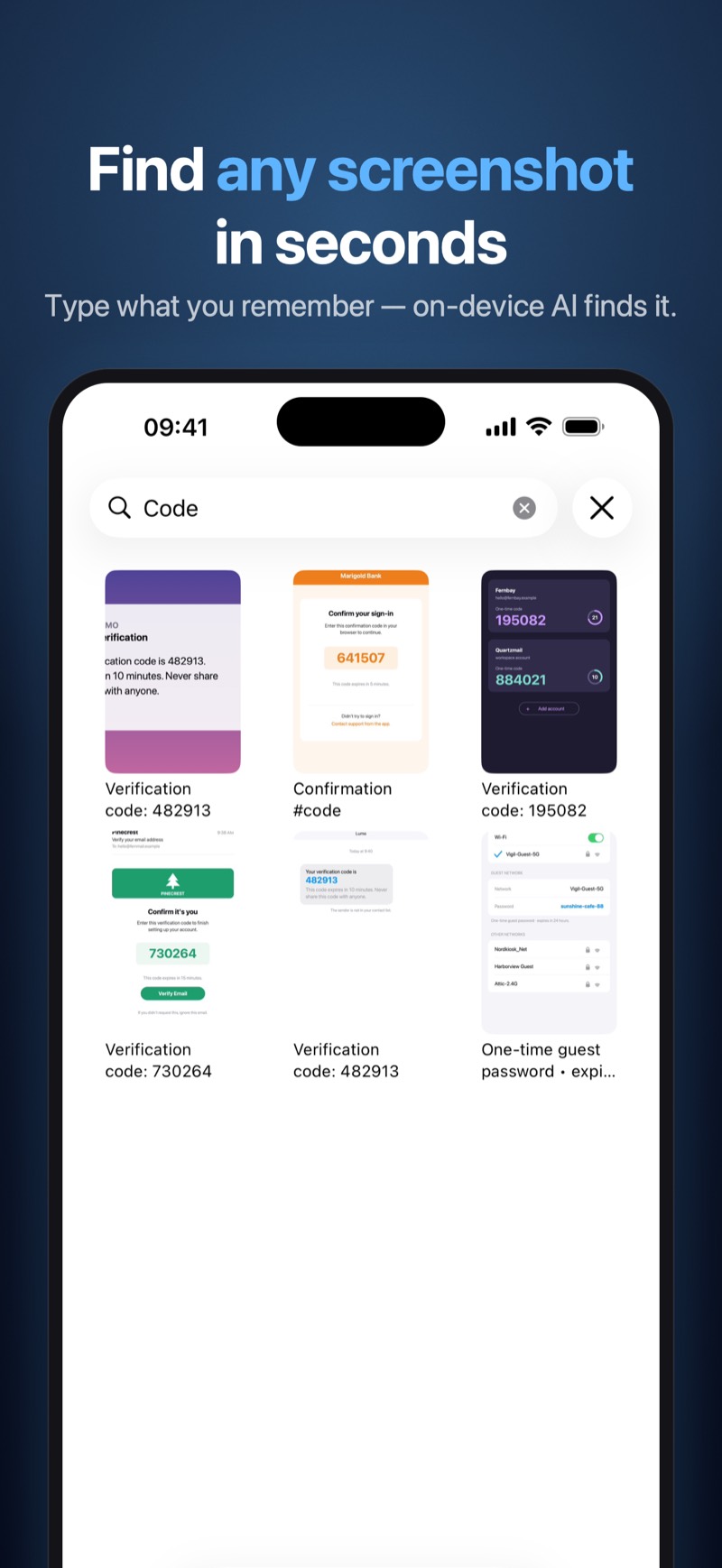
Vigil is on-device AI for your screenshots. It reads the text in every screenshot, sorts them into smart categories, writes one-line summaries, and finds the right one the instant you type — and none of it ever leaves your iPhone.

Receipts, Wi-Fi passwords, boarding passes, recipes, funny conversations — your screenshots are a second memory. Vigil turns that pile into something you can actually search.

AI SEARCH THAT UNDERSTANDS YOU
• Full-text search across everything your screenshots say
• Natural-language search that matches meaning, not just exact words
• Recent searches and one-tap suggestions to get you back fast
• Results also appear in iOS Spotlight

ORGANIZED BY AI, AUTOMATICALLY
• Every screenshot is read with on-device OCR the moment it is indexed
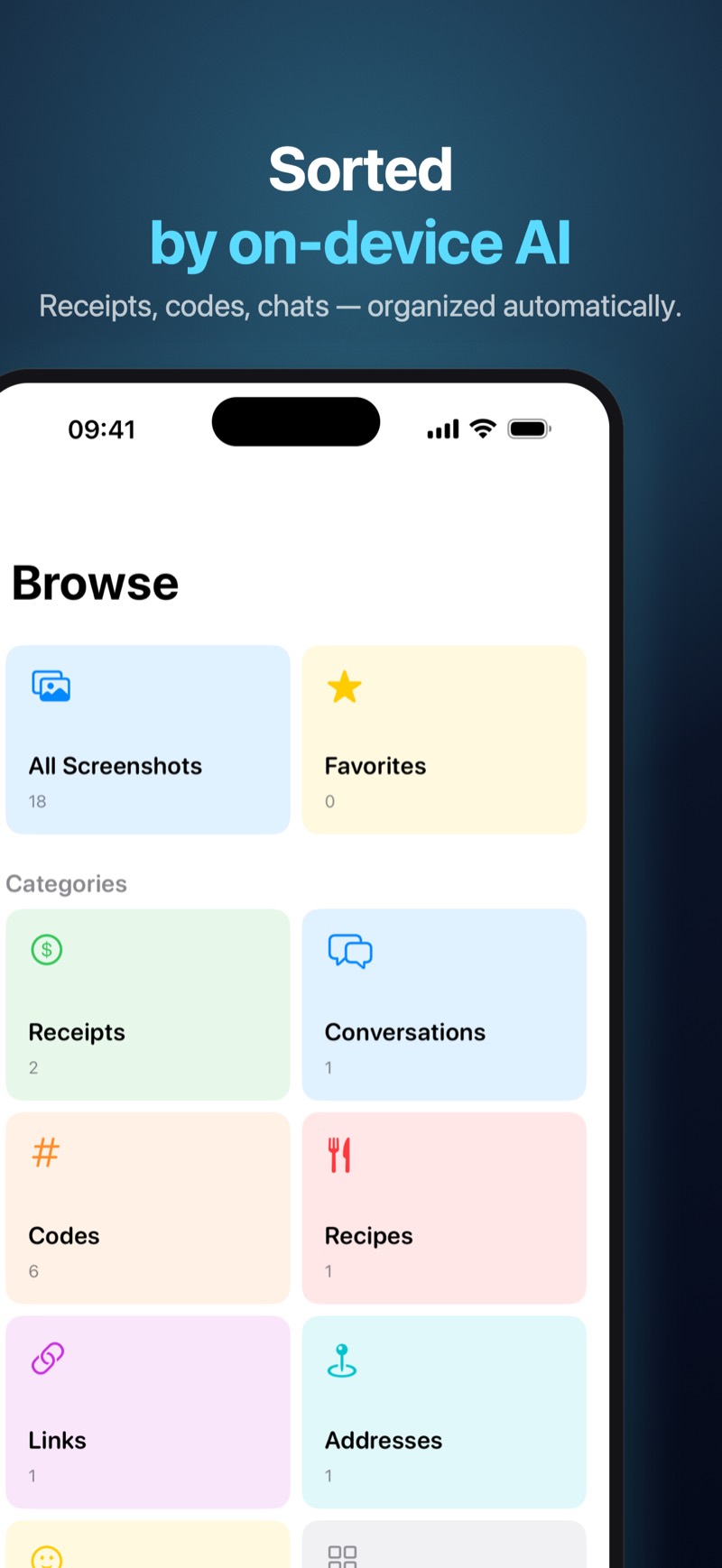
• Auto-categorized: Receipts, Codes, Conversations, Recipes, Links, Addresses, Memes
• One-line AI summaries so you can scan results at a glance
• Favorites and a fast Browse view of your whole collection

SMART ACTIONS
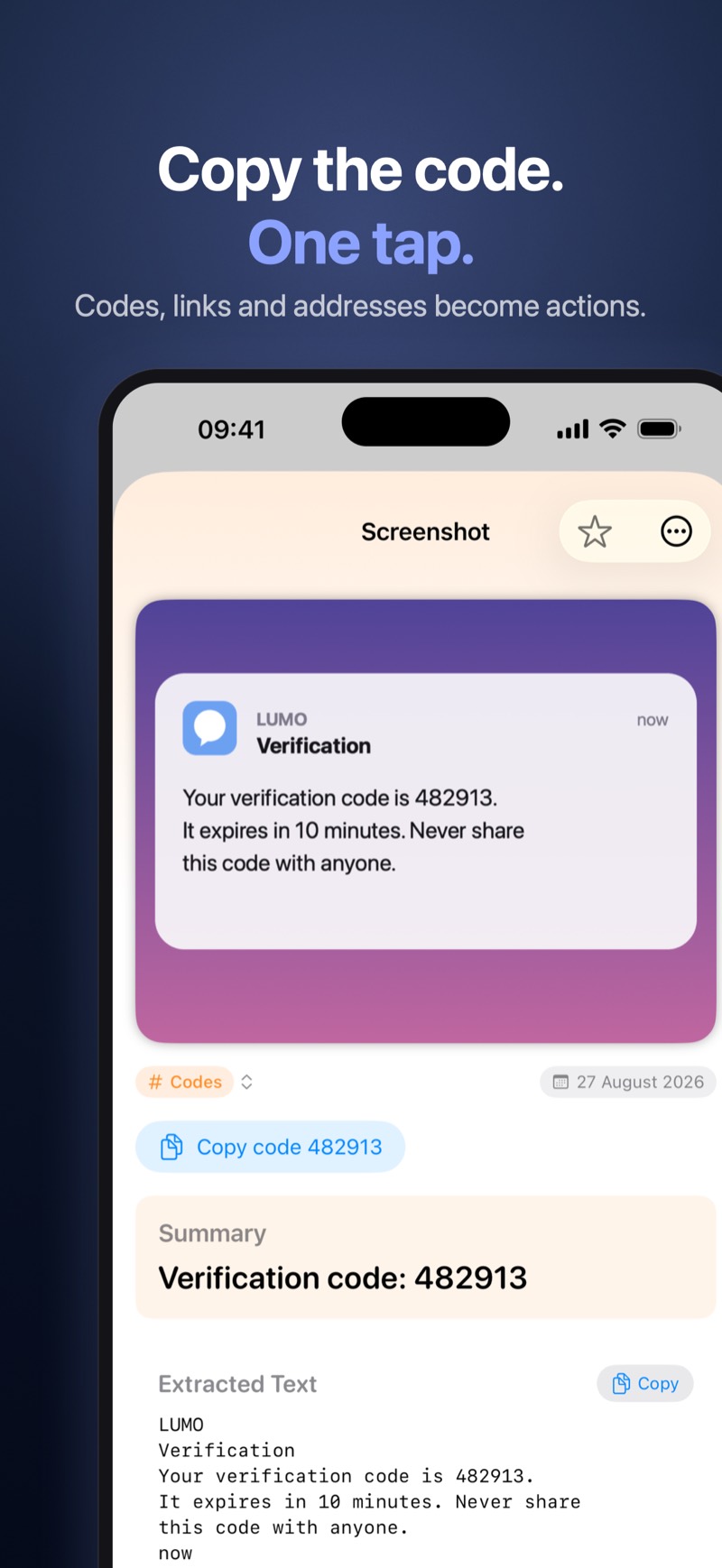
• Copy a discount or verification code straight from a screenshot
• Open links, call phone numbers, or jump to an address in Maps
• Copy all recognized text with one tap

CLEAN UP THE CLUTTER
• Vigil spots stale screenshots — expired codes and shots over a year old — and lets you review and delete them in bulk
• Favorites are never suggested, and iOS always asks before anything is deleted

MADE FOR iPHONE AND iPAD
• A Home Screen widget puts search one tap away
• Fully localized in English and Slovenian

PRIVATE BY DESIGN
All of Vigil's AI runs on your device using Apple's built-in machine learning — nothing is uploaded, ever. No accounts, no cloud, no analytics, no tracking. We could not see your screenshots even if we wanted to. That is the whole point.

SIMPLE, FAIR PRICING
Vigil is free for your first 100 screenshots — the full experience, no feature gates. Vigil Pro is a single one-time purchase that unlocks unlimited screenshots. No subscription, no recurring charges. Buy it once, keep it forever.

Vigil needs access to your photo library to index your screenshots. Everything it reads stays on your device.
Downloads
- App icon — 1024×1024 PNG 150 KB
- All App Store screenshots — ZIP 53 MB · 20 PNGs · iPhone & iPad · English & Slovenian
- Web-ready JPGs (800px, iPhone, English): 01 — AI search02 — Smart actions03 — Vigil Pro04 — Browse & categories05 — Private by design